
You own the land, but the zoning code decides what goes on it. Here is what R-1, R-2, and R-3 actually let you build, and how to check your own lot before you make a plan.
Civil Intelligence · The Civil Library · Reference Shelves
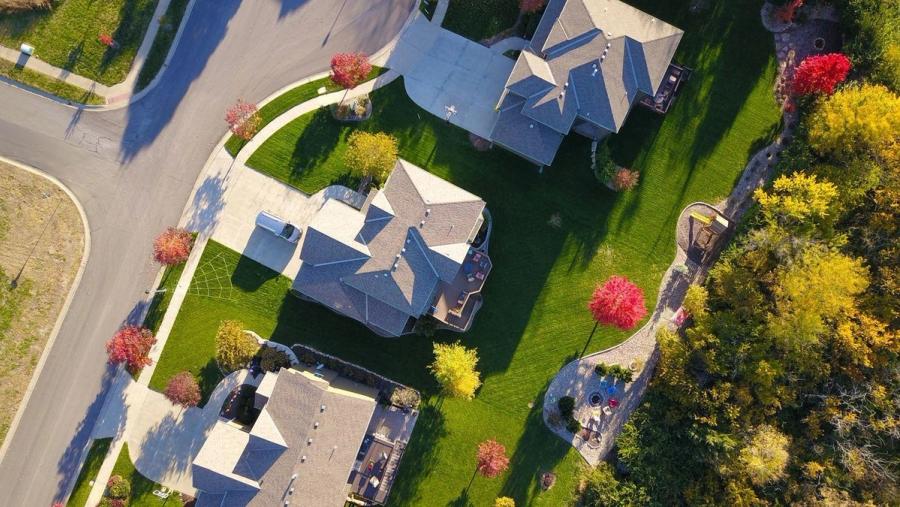
When people buy a piece of land, they usually have a picture in their head of what they want to put on it. A house. A duplex to rent out. A small apartment building. A second unit in the backyard for the family.
The land does not decide that. The zoning does.
Almost every parcel in a US city or suburb carries a residential zoning designation, and that designation controls what you can build, how big it can be, how many units it can hold, and how close to the property line it can sit. Two lots that look identical from the street can allow completely different things, because one is zoned R-1 and the other is R-3.
This guide walks through the three most common residential zones you will run into, what each one permits, and how to confirm exactly what your own land is zoned for.
First, what "R" zoning actually means
Residential zones almost always start with the letter R, followed by a number. The letter tells you the broad category, and the number tells you the intensity. Lower numbers mean lower density: fewer units, bigger lots, more space between buildings. Higher numbers mean more density: more units, smaller lots, taller buildings.
So R-1 is the most restrictive residential zone, and the number climbs as the allowed density goes up.
One important catch: the codes are not standardized across the country. An R-2 in one city does not automatically mean the same thing as an R-2 one town over. The tiers follow a consistent logic, but the exact numbers, lot sizes, and rules are set by each local government. The classifications below describe what is typical. Your own ordinance is the final word.
R-1: Single-family residential
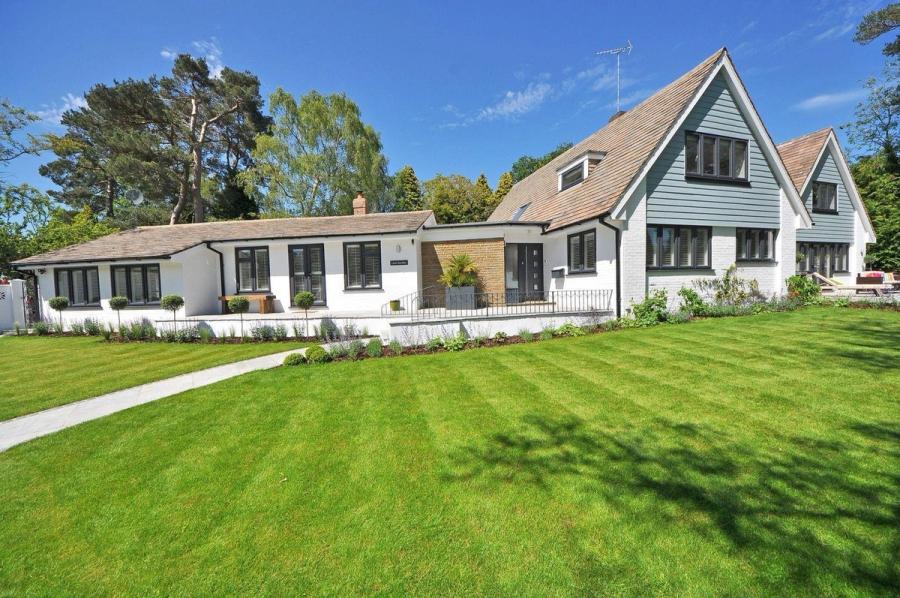
R-1 stands for residential, single-family. It is the most common zoning designation in the country and covers most suburban land. The rule is simple: one detached dwelling per lot.
What you can typically build in R-1:
- One single-family detached home
- A detached garage or carport, subject to height and setback limits
- A home office, as long as no customers or employees come to the property
- Gardens, landscaping, and accessory structures within the rules
What R-1 typically does not allow:
- Duplexes or any multi-family housing, even a two-unit conversion
- Retail, offices with customer traffic, or other commercial use
There is one big exception worth knowing. Many states now require cities to allow accessory dwelling units, or ADUs, on R-1 lots regardless of local restrictions. California, Oregon, Washington, and others have passed laws that make a second smaller unit possible even where the primary use is single-family. So R-1 does not always mean "only one building." It means the primary dwelling is a single-family home, plus whatever ADU rights your state grants.
A typical R-1 lot in a major city might require a minimum 5,000 square foot lot, a 20-foot front setback, 5-foot side setbacks, a 15-foot rear setback, and cap lot coverage at around 40 percent. Those numbers vary, but that is the shape of it.
R-2: Two-family and medium density

R-2 is the step up. It usually permits two-family dwellings, most commonly a duplex, and sometimes allows smaller lot sizes for detached homes. Many cities use R-2 as a transitional buffer between single-family neighborhoods and busier commercial corridors.
What you can typically build in R-2:
- A single-family home
- A duplex, or two units on one lot
- In some jurisdictions, a smaller detached home on a reduced lot size
Density is usually expressed as dwelling units per acre. An R-1 zone might allow up to 4 units per acre. An R-2 zone might allow up to around 9. The lot coverage limit is often higher than R-1, and the rules for parking and open space get a little more demanding because you are fitting more people on the same ground.
If your plan depends on two full units, R-2 is usually the lowest zone that makes it possible by right, without asking the city for special permission.
R-3: Multi-family, low-rise
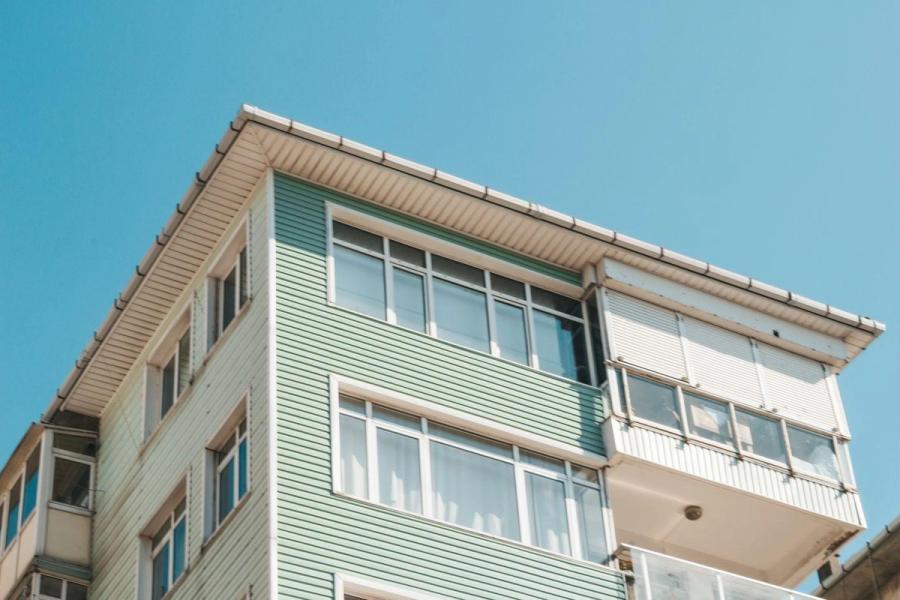
R-3 is where multi-family housing begins. It typically permits apartment buildings, townhomes, condominiums, and triplexes, usually capped somewhere in the two-to-four-story range.
What you can typically build in R-3:
- Apartment buildings, often three or more units
- Townhome and condominium clusters
- Triplexes and fourplexes
- The lower-density uses allowed in R-1 and R-2 as well
The jump from R-2 to R-3 is a real change in scale, not just a small bump. R-3 zones tend to allow smaller minimum lot size per unit, taller buildings, and more lot coverage. In exchange, they carry stricter requirements for parking, open space, and sometimes building design. Density is again measured in units per acre, and the ceiling is much higher than R-1 or R-2.
If your goal is a small apartment building or a townhome project, R-3 is usually the zone you need.
A real example: the same lot, three different outcomes
Numbers make this concrete. Here is how the City of Los Angeles defines its residential zones in its municipal code. The exact figures are LA-specific, but they show how dramatically the allowed build changes from one tier to the next on the same size lot.
- R-1 (LAMC 12.09): One single-family home. Minimum 5,000 square foot lot, 20-foot front setback, 5-foot side setbacks, 15-foot rear setback, 40 percent lot coverage cap.
- R-3 (LAMC 12.11): Multi-family. Roughly one unit per 800 square feet of lot area, 15-foot front and rear setbacks, side setbacks of 10 percent of lot width with a 5-foot minimum, 55 percent lot coverage, and a height limit around 45 feet, or three stories.
Take a 7,200 square foot lot.
Under R-1, that lot holds one house plus possibly an ADU. Under R-3, that same lot could hold roughly nine units at one per 800 square feet, in a building up to three stories.
Same dirt. Same dimensions. Nine times the housing — decided entirely by two characters in the zoning code.
That is the whole reason zoning matters before you buy or plan. It is not a formality. It is the difference between a single home and a small apartment building.
How to find out what your own land allows
Zoning tells you what is allowed on paper. Confirming it for your specific parcel takes a few steps:
- Find your parcel’s zoning designation. Most counties and cities have a free online zoning map or parcel search. Enter the address and it will return the zone code, like R-1 or R-3.
- Pull the actual ordinance. Search your city or county name plus "zoning ordinance" plus the code. The ordinance lists permitted uses, density, setbacks, height, and lot coverage for that exact zone.
- Check for overlays. A parcel can carry extra layers, like a historic overlay, a flood zone, or a hillside designation, that add rules on top of the base zoning.
- Call the planning department if anything is unclear. Planners answer zoning questions all day. A short call can confirm what the code allows before you commit to a plan.
If you want a full walkthrough of that process, we wrote a step-by-step guide on how to check the zoning of a property. And because setbacks quietly shrink the part of your lot you can actually build on, it is worth reading how setbacks work too.
The gap zoning does not show you
Here is the part most people miss. Zoning tells you what is allowed. It does not tell you what is actually buildable on your specific lot.
Two parcels can both be zoned R-3 and still be completely different situations. One has utilities at the curb, flat ground, and a clean shape. The other needs a well and septic system, sits partly in a flood zone, has a steep grade, and an odd shape that setbacks eat into. The zoning code says "nine units" on both. Reality says something very different.
Closing that gap, between what the zoning allows and what the land can truly support, is exactly what Civil Intelligence was built to do. Instead of stitching together the parcel map, the zoning code, the setbacks, the overlays, and the utilities yourself, you enter an address and get a clear feasibility read on what is realistic to build.
Frequently Asked Questions
What can I build on R-1 land?
R-1 zoning allows one detached single-family home per lot. In many states you can also add an accessory dwelling unit, or ADU, because of state housing laws. Duplexes, apartments, and commercial uses are generally not allowed in R-1.
What is the difference between R-1, R-2, and R-3 zoning?
They are density tiers. R-1 allows a single-family home, R-2 typically allows a two-family dwelling like a duplex, and R-3 allows low-rise multi-family housing such as apartments and townhomes. The number rises as the allowed density rises.
Can I build a duplex on my property?
Usually only if the lot is zoned R-2 or higher. R-1 lots generally do not allow two-family dwellings by right. Check your parcel’s zoning code first, because the rules and the exact tier names vary by city.
Does R-1 zoning mean I can only build one thing?
Not always. R-1 means the primary dwelling must be a single-family home, but many states now require cities to allow an ADU on R-1 lots, so a second smaller unit is often possible. Your local ordinance and state law decide.
How many units can I build on R-3 land?
It depends on your lot size and your city’s density rules, which are usually measured in units per acre or square feet of lot area per unit. For example, a code allowing one unit per 800 square feet would permit about nine units on a 7,200 square foot lot. Always confirm against your local ordinance.
How do I find out what my land is zoned for?
Use your city or county’s free online zoning map or parcel search, enter the address, and read the zone code. Then pull the matching ordinance for the permitted uses and limits, and check for overlays. A feasibility tool like Civil Intelligence can pull this together for you automatically.
Zoning is the starting line, not the finish line. Civil Intelligence turns a property address into a clear answer on what you can realistically build, so you can plan with confidence instead of guesswork.